Sending a link instead of an attachment is convenient — but it raises a fair question: if anyone with the link can open the file, how private is it really? The honest answer is that link sharing can be very safe or quite risky, depending on a handful of settings and habits. Here's how it works and what to check before you hit send.
How a share link actually works
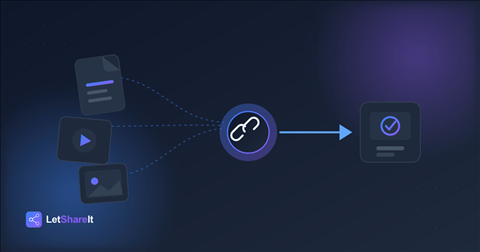
When you upload a file, the service stores it and generates a long, random link. Anyone who has that exact URL can open the file — there's no inbox or recipient list involved. That's what makes links so easy to use, and it's also the main thing to understand: the link itself is the key. If it ends up somewhere it shouldn't, so does access to the file.
Where the real risks are
- The link gets forwarded or posted. A link pasted into a group chat, a public thread, or forwarded along to a colleague can reach people you never intended.
- The file lives online forever. A link with no expiry keeps the file reachable long after the job is done.
- No second layer of protection. If the link is the only thing between a stranger and your file, anyone who finds it gets in.
- Unencrypted storage or transfer. Files should be encrypted while moving over the internet and while stored on the provider's servers.
- Phishing look-alikes. As a recipient, fake “file shared with you” messages are a common trick. Always check that the domain is the real one before entering any password or login.
7 steps to share files via link safely
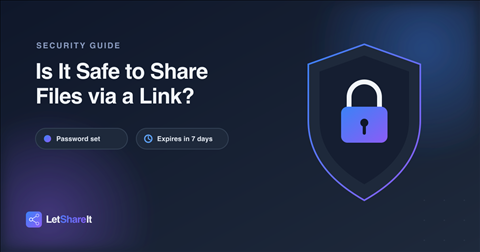
- Add a password to anything sensitive. Contracts, financial records, IDs, and unreleased work should never rely on the URL alone. On Letshareit, password protection is available on every plan, including guest uploads.
- Send the password through a different channel. Email the link, text the password. If one channel is compromised, the file is still locked.
- Set an expiry. Choose the shortest window that gets the job done — 1, 3, 7 or 30 days — so the file doesn't stay reachable indefinitely.
- Share only with the people who need it. Send the link directly rather than posting it in a channel or thread others can read.
- Check that the service uses encryption. Look for HTTPS in transit and encryption at rest. Letshareit encrypts files at rest with AES-256 on every plan.
- Don't put secrets in file names. Names are often visible in previews and notifications.
- Confirm the recipient got it — then let it expire. Once they've downloaded the file, there's no reason for the link to keep working.
Link sharing vs email attachments
Email attachments feel private because they go to a named inbox, but they're copied to every server along the way, forwarded freely, and stored indefinitely in multiple mailboxes — with no way to take them back. A link gives you more control: you can password-protect it, limit how long it works, and stop sharing simply by letting it expire. Used with those settings, a link is often the safer choice for larger or more sensitive files.
What about no-account sharing?
Not requiring the recipient to sign up doesn't make sharing less secure — it removes friction. What protects the file is the password, the expiry, and the encryption, not whether someone created an account. You can send files without an account and still lock them down with a password and an expiry date.
The bottom line
Sharing via link is safe when you treat the link like a key: password-protect what matters, send the password separately, set an expiry, and use a service that encrypts your files. Try sending a file securely — add a password and expiry in a few seconds, no account needed.