Sending files one at a time — five separate email attachments, or five separate links — is slow for you and confusing for whoever's on the receiving end. If what you actually have is a batch of files or a whole folder, there's a faster way: upload it all together and share one link.
Two ways to send more than one file
Select multiple files
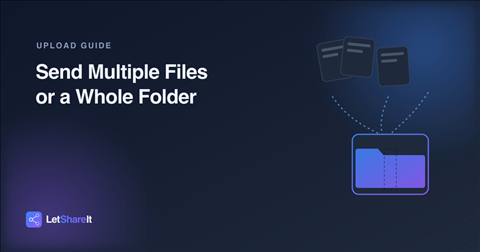
On the upload page, you can select or drag in several files at once rather than uploading them individually. They're grouped into a single batch with one share link, and the recipient can download everything together instead of hunting down multiple emails.
Upload an entire folder
Drop a folder instead of individual files, and Letshareit zips it automatically before uploading — the folder structure is preserved, so whoever downloads it gets the same layout you had, not a flat pile of files. This is the better option when organization matters: a shoot split into subfolders, a project with assets and exports kept separate, or anything where the structure is part of the point.
How many files can you send at once?
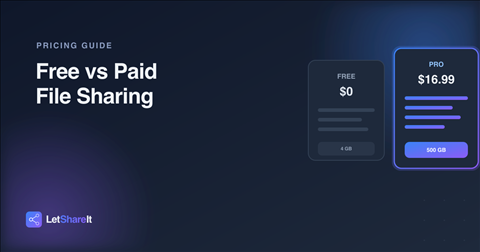
That depends on your plan: free accounts can send up to 7 files in a single upload, Basic up to 25, and Pro has no file-count limit per upload. The overall size of the batch still counts against your plan's per-upload limit — 4 GB free, 60 GB on Basic, 500 GB on Pro.
What the recipient actually sees
Whether you sent a folder or a group of individual files, the recipient gets one link. They can see what's included and download everything at once, instead of opening several emails or messages to collect it all. No account or app is required on their end, the same as any other Letshareit link.
Tips for sending larger batches
- Name your folder clearly before uploading. “Client-Assets-Final” tells the recipient what they're getting before they even open it.
- Keep related files together, unrelated files separate. One link per project or purpose is easier to track than one giant mixed batch.
- Use Wi-Fi for large batches. Uploading many files or a large folder adds up in total size fast, same as any single large file.
- Password-protect batches with sensitive content. The same password applies to the whole batch, not file by file — see password-protected sharing.
The bottom line
You don't need to zip files yourself or send a string of separate links. Select multiple files, or drop a whole folder and let Letshareit handle the zipping, and share it all as one link. Try it with your next batch — no account needed to send.